
Screens
What it does
- 01
Move sites with no size limit
Export and import both run in small steps. Uploads are split to fit the server’s limit, and if the server refuses a piece, Unbox splits it smaller and sends it again.
- 02
Import straight into LocalWP
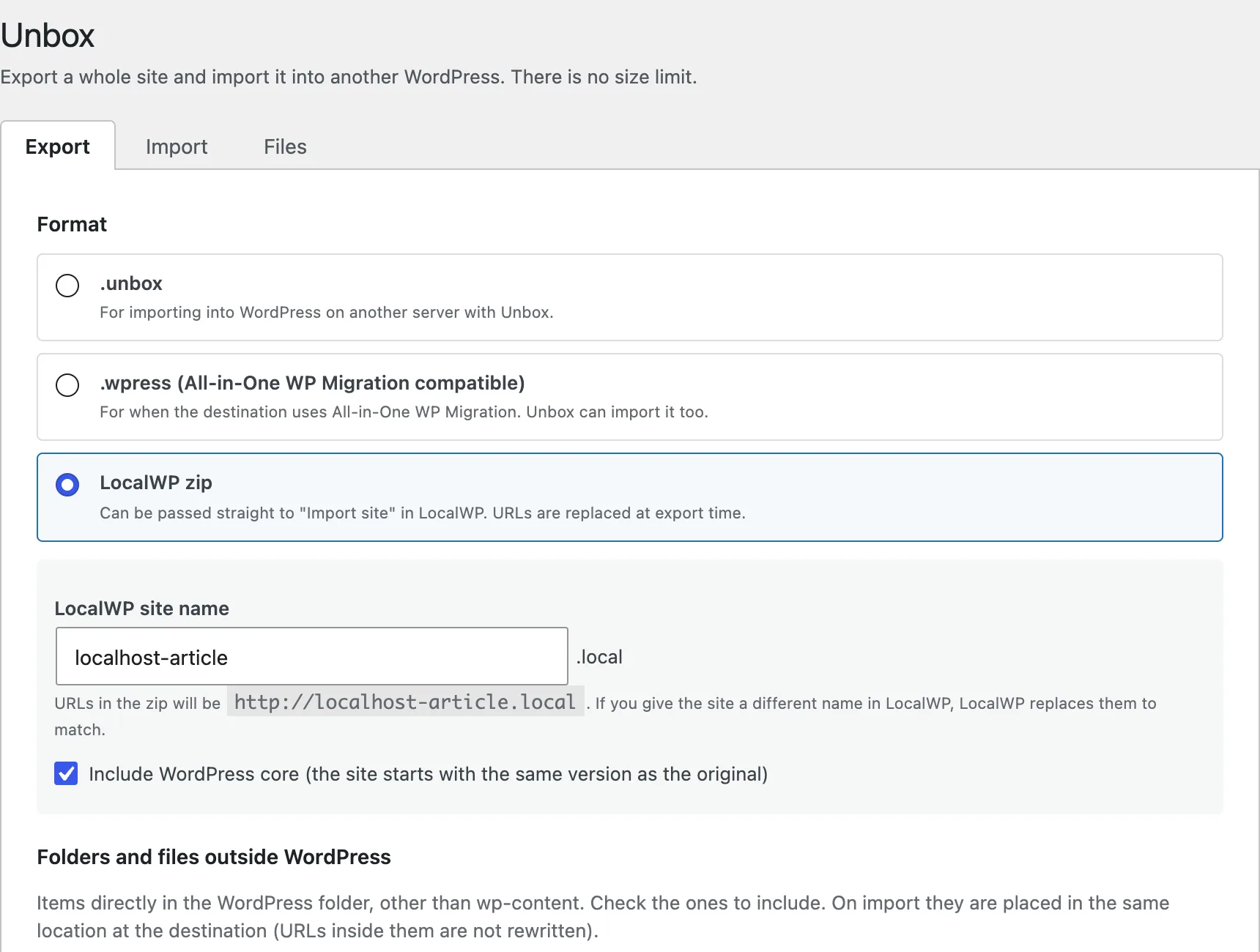
Unbox can export a zip that goes into “Import site” in LocalWP. The URLs are already replaced with http://your-site.local, and WordPress itself can be included.
- 03
Work with .wpress files
Unbox can import .wpress files made by All-in-One WP Migration. If the destination uses that plugin, Unbox can export as .wpress too.
- 04
Carry folders outside WordPress
Folders that sit beside WordPress, such as a folder of static pages, can be selected and moved along with the site.
If it stops partway
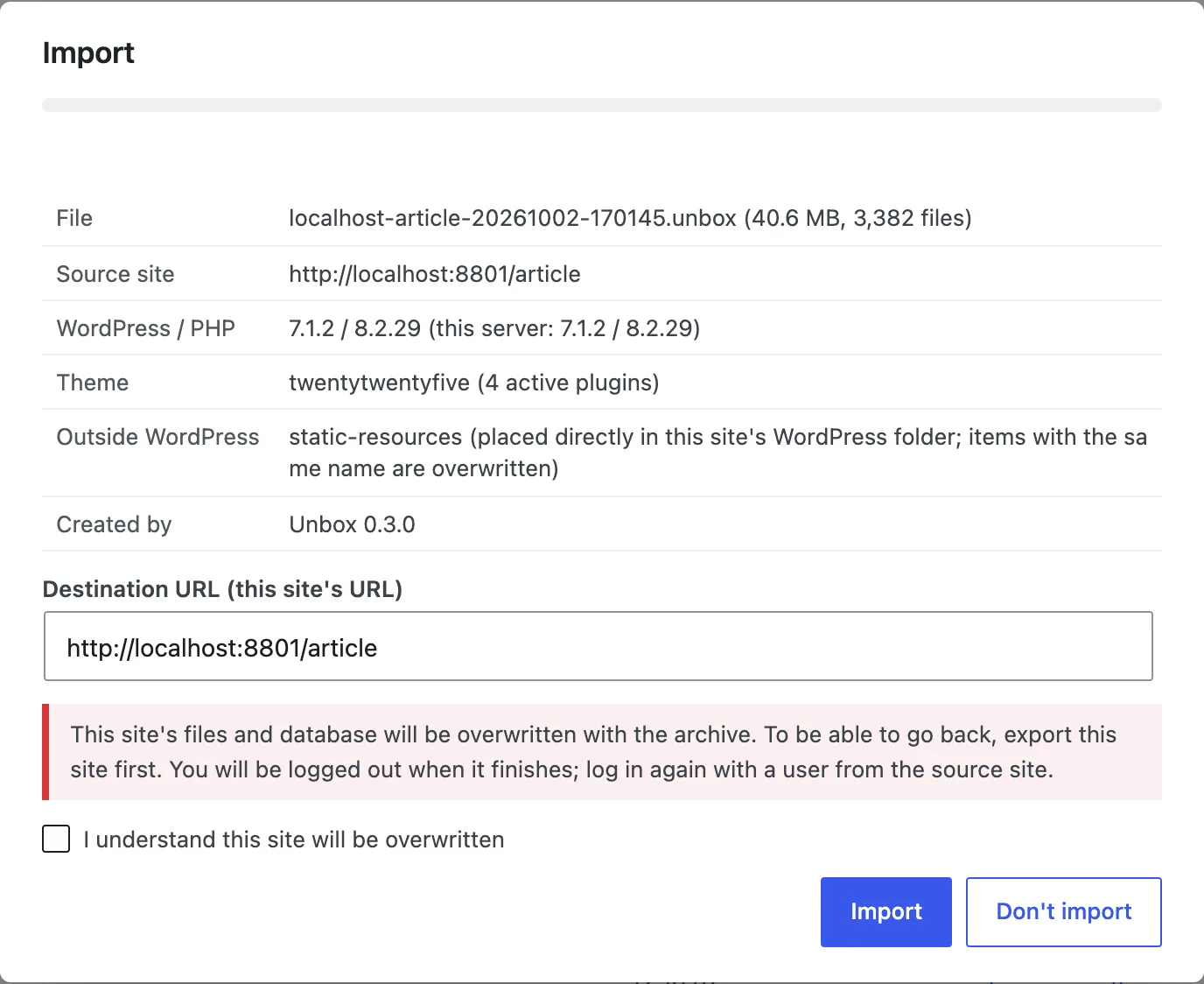
- The database is never overwritten directly. Unbox imports into temporary tables and swaps them in with a single operation at the very end, once everything is in place. If it fails partway, your current database stays as it is.
- Each file is first written to the end under a different name, then renamed to its real name.
- Each run is cut off at 20 seconds at most, and Unbox records how far it got. Even if it hits the server’s execution time limit, it resumes from where it stopped.
- Every step is driven from the browser, so it works behind Basic authentication or a WAF. It makes no outside connections.
Specifications
- Requirements
- WordPress 6.2 or later, PHP 7.4 or later
- Interface language
- English
- Price
- Free (all features)
- Distribution
- The official WordPress.org plugin directory
- Outside connections
- None
Download Unbox
Install it from its plugin page on WordPress.org. I wrote on the blog about why I made it and how to use it